Today I ran into an interesting problem where some of our unit tests were failing locally, after upgrading to macOS Sonoma and Xcode 15.
Apparently there was a subtle change made to date formatting, and I was seeing this error.

11:30 AM is not equal to 11:30 AM
After lots of squinting, I pasted the error message into Sublime Text and spotted the error.
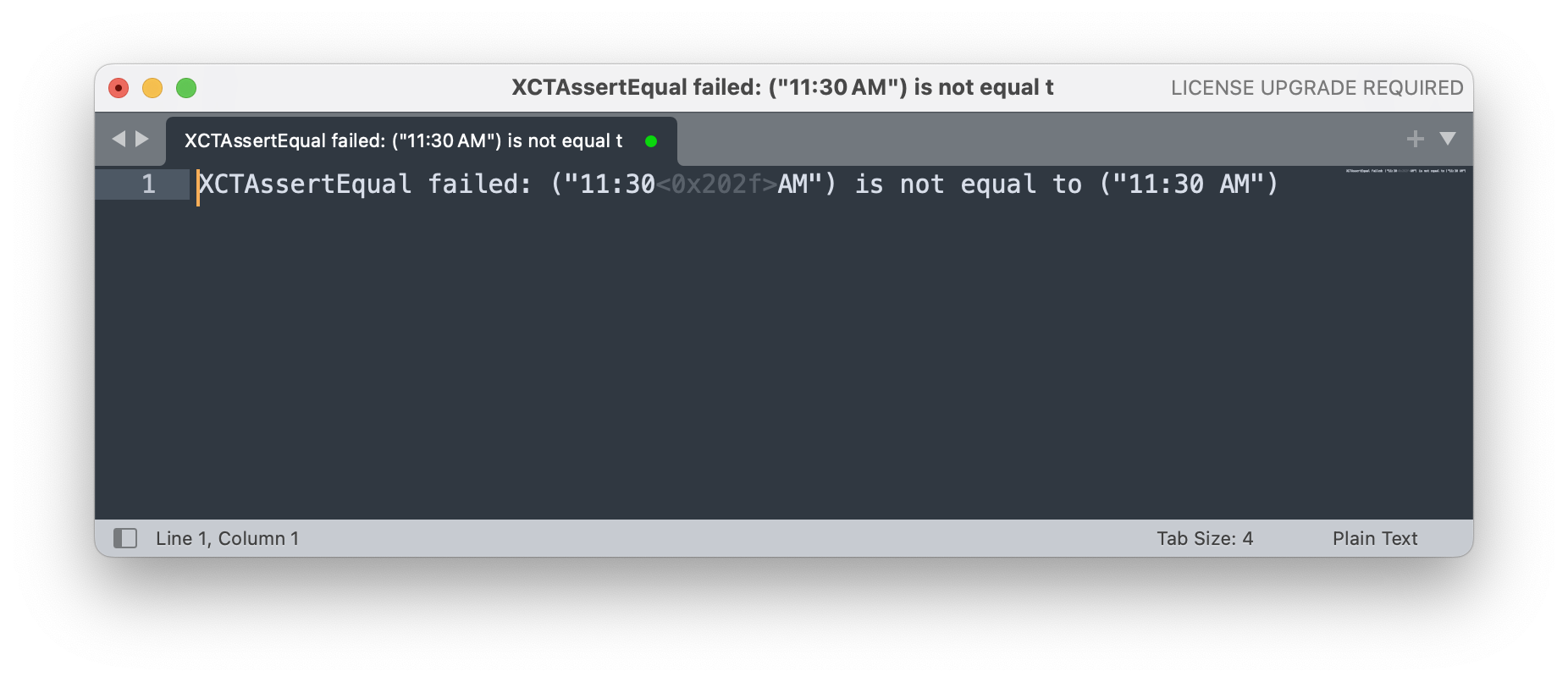
Secret characters lurking in the mist
Fixing the test was straightforward, but it did leave me thinking I should probably write a comment to let future me (and others) know that I wasn't losing the plot.
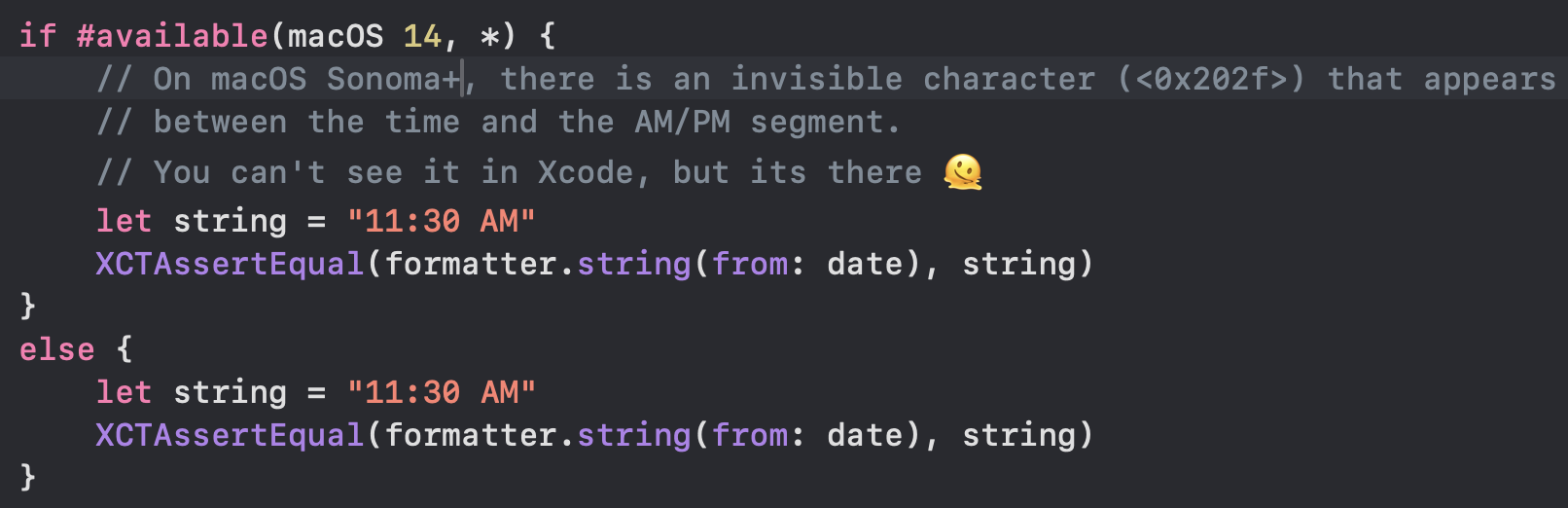
You can’t see it, but I swear its there!
After chatting to Chris about this, he suggested escaping the Unicode sequence, which is undoubtedly a much better approach and makes it more obvious what is going on.
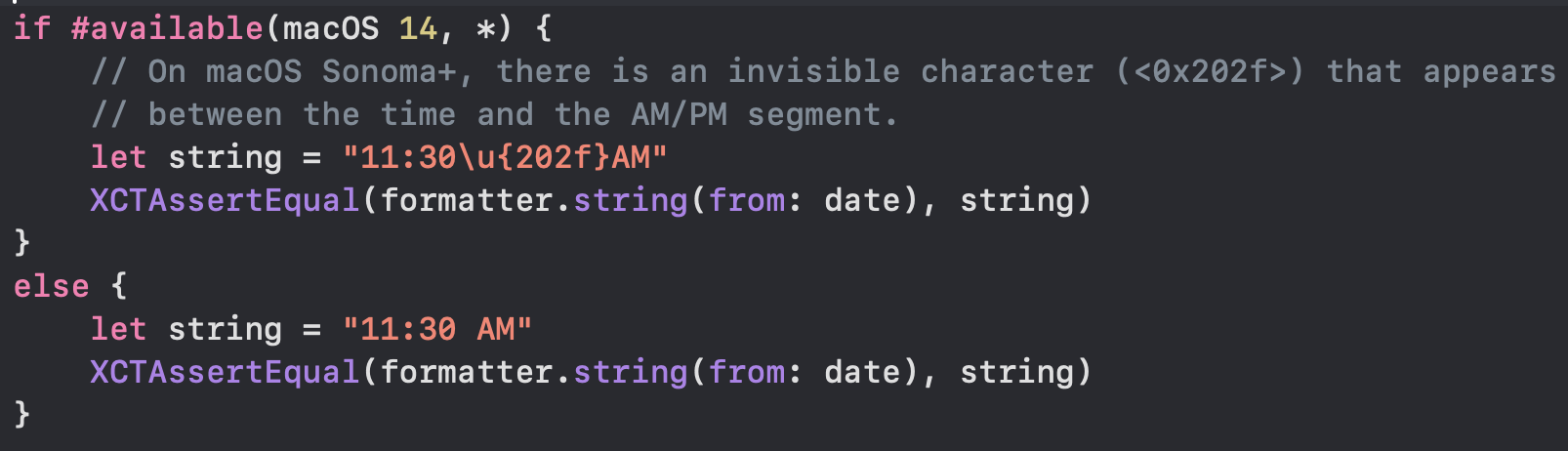
Much better
So who is Mr. 202f? Apparently its a Narrow No-Break Space and is also used as a group separator, which given the context makes perfect sense.